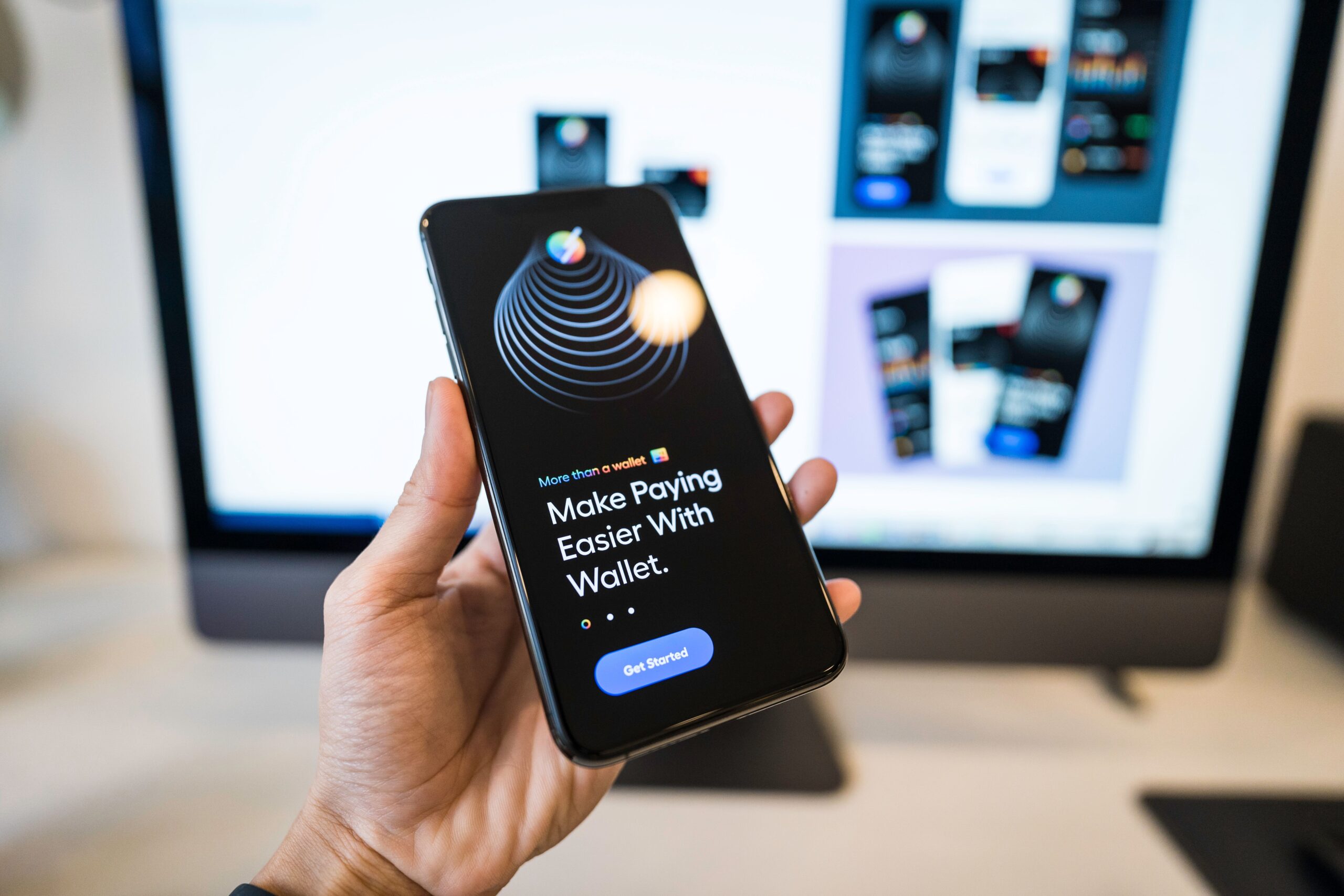
An airdrop or free token claim sounds like the safest kind of crypto opportunity — nothing to buy, nothing to lose. But the wallet-drain version of this scam turns that assumption into exactly the weakness it exploits: getting someone to sign one bad transaction that hands over control of everything they hold. Here’s how it works, and how to claim (or safely skip) an airdrop.
How the Scam Works
Step 1: The Airdrop Announcement
A message, post, or Discord/Telegram announcement claims a surprise airdrop, sometimes for a real project the victim already holds tokens or an NFT from — which makes the announcement feel more credible than a random offer.
Step 2: The Look-Alike Claim Site
The announcement links to a website designed to closely resemble the real project’s — a similar domain, matching logos and colors, sometimes even a cloned copy of the actual site.
Step 3: The Connect-Wallet Request
The site prompts the visitor to connect their crypto wallet to check eligibility or claim tokens — a normal-looking step, since real airdrop sites also require a wallet connection.
Step 4: The Malicious Signature Request
Instead of simply crediting new tokens to the visible address, the site requests a signature approving a smart contract to spend tokens on the wallet owner’s behalf, often worded vaguely or disguised as a routine claim transaction.
Step 5: The Drain
Once signed, that approval can be used, immediately or at any later time, to transfer out valuable tokens or NFTs from the wallet, without any further confirmation from the owner.
A Composite Example (Illustrative, Not a Real Case)
Imagine someone who already holds a well-known token sees a post announcing a surprise bonus airdrop for existing holders. The linked site looks identical to the project’s real site, down to the logo and layout. They connect their wallet and approve what’s presented as a simple claim transaction. Minutes later, their wallet’s actual token and NFT holdings are transferred out to an unfamiliar address — the claim transaction had actually granted spending approval rather than delivered anything. This scenario is a composite built from commonly reported patterns — it does not describe a real person, project, or event.
Red Flags That Get Missed
- An airdrop announcement that arrives unsolicited via DM, comment, or an unofficial-looking account.
- A claim site domain that’s slightly different from the project’s official one — an extra word, different extension, or subtle misspelling.
- Being asked to connect a wallet before receiving anything, rather than tokens simply appearing at a public address.
- A transaction request that grants broad or unlimited spending approval rather than a simple, limited action.
- Urgency language, such as a claim window closing within hours.
- No mention of the airdrop on the project’s own official, verified channels.
How to Protect Yourself
- Use a separate burner wallet for claiming airdrops, holding nothing of real value, instead of connecting your main wallet.
- Verify any airdrop announcement through the project’s official verified channels before clicking a claim link from anywhere else.
- Read what a transaction actually asks for before signing — a wallet app will typically show whether it’s a simple transfer or a spending approval.
- Double-check the claim site’s exact domain against the project’s known official URL, character by character.
- Revoke unused token approvals periodically using a reputable revocation tool, so old approvals can’t be exploited later.
- Treat “connect wallet to claim” as inherently higher risk than an airdrop that simply deposits tokens to your public address with no action required.
If Your Wallet Has Already Been Drained
Act immediately: revoke any remaining token approvals tied to the compromised wallet using a reputable revocation tool, and move any surviving assets to a new wallet with a fresh seed phrase. Don’t reuse the compromised wallet’s seed phrase or private key anywhere. Document the transaction hashes and the site you interacted with, then report the incident.
Report to your country’s official cybercrime or fraud authority:
- United States: FBI Internet Crime Complaint Center (IC3) — ic3.gov
- United Kingdom: Action Fraud — actionfraud.police.uk or reportfraud.police.uk (0300 123 2040)
- Canada: Canadian Anti-Fraud Centre — antifraudcentre-centreantifraude.ca, report at reportcyberandfraud.canada.ca
- Australia: Scamwatch (National Anti-Scam Centre / ACCC) — scamwatch.gov.au, report at scamwatch.gov.au/report-a-scam
If you’re outside these countries, search for your national police cybercrime reporting unit or financial regulator — most countries now have a dedicated online reporting channel.
Frequently Asked Questions
How is this different from just receiving free tokens?
A genuine airdrop typically deposits tokens directly to your public wallet address with no action required. A drain scam instead asks you to approve a transaction that gives a smart contract permission to move assets out of your wallet later.
What exactly is a token approval, and why is it risky?
It’s a permission that lets a specific contract move tokens from your wallet without asking again each time. If that contract is malicious, the approval can be used to transfer out your holdings whenever the attacker chooses.
Can a legitimate airdrop ever require connecting my wallet?
Some legitimate airdrops do require a wallet connection to check eligibility, so a connection request alone isn’t proof of a scam. The risk is specifically in what transaction you’re then asked to sign, since a real eligibility check shouldn’t require a broad spending approval.
I think I already connected my wallet to a bad site. What should I do right now?
Open a reputable approval-revocation tool immediately and revoke any approvals tied to that site, then move remaining assets to a new wallet. Don’t wait to see if anything happens first.
Are burner wallets really necessary for every airdrop claim?
For any claim site you haven’t independently verified, yes. A burner wallet limits the damage to whatever small amount you put in it, rather than exposing your full holdings.
Browse more resources in our Scam Awareness category.